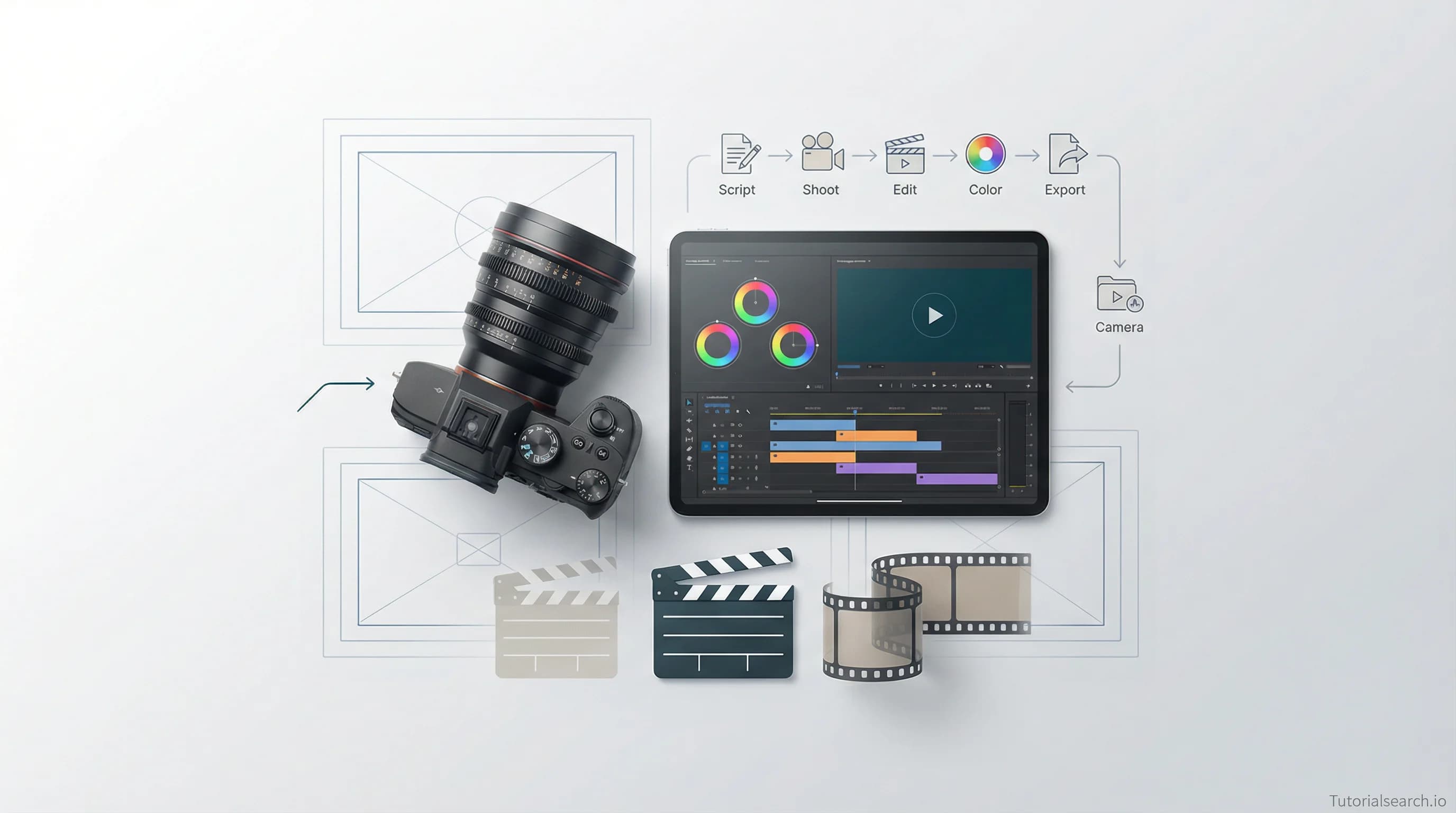
What's the Fastest Way to Learn Video Creation?
Video creation is one skill that looks easier than it is. Here are the best courses, free tools, and resources that take you from idea to published video.
Hire the developers behind TutorialSearch.io
We built this site — full-stack web apps, AI integration & automation. Tell us what you need and we'll build yours.
Video creation is one skill that looks easier than it is — until you sit down, hit record, and realize you have no idea what you're doing. Here are the best courses, free tools, and resources that take you from "I want to make videos" to actually shipping them.
Picture this: you've got an idea. Maybe it's a tutorial for your business. Maybe it's a short film you've been sketching in your notebook for months. Maybe it's just a YouTube channel you keep saying you'll start "when you're ready." The gear is there. The time is there. But every time you try to figure out where to begin, you end up with 30 tabs open and zero videos made.
That's the real problem with learning video creation. There's no shortage of information — the shortage is in knowing which information matters first.
This guide is built around one goal: getting you to your first finished video as fast as possible. I've structured it the way a working video creator would think about it — start with making something, then learn to make it better. You can browse all 405+ video creation courses on TutorialSearch.io to find more options as you progress.
Key Takeaways
- Video creation covers three core skills — planning, filming, and editing — and you can learn each with targeted courses.
- You don't need expensive gear to start learning video creation; a smartphone and free software go far.
- Free video creation tools like DaVinci Resolve and CapCut are genuinely capable, not just "good for free."
- AI-powered video creation tools are mature enough now to be worth learning alongside traditional techniques.
- Making your first video — even a rough one — teaches more than any course on its own.
In This Article
- Getting Your Hands Dirty With Video Creation
- Video Creation Courses Worth Your Money
- Free Video Creation Resources That Are Surprisingly Good
- Video Creation YouTube Channels That Actually Teach
- GitHub Repos for Video Creators Worth Starring
- For When You Want to Go Deep With Video Creation
- Video Creation Communities Worth Joining
- Related Skills Worth Exploring
- Frequently Asked Questions About Video Creation
Getting Your Hands Dirty With Video Creation
Before you invest in a course, make one thing. Pull out your phone, record a 60-second video of anything, and edit it together in CapCut or your phone's built-in editor. Don't worry how it looks.
This matters because video creation is a craft, not a body of knowledge. You can read about shot composition for hours without it clicking. But the moment you try to frame a shot and realize the background is a mess, or you watch your footage back and realize you were swaying — that's when the learning sticks.
The single most common mistake beginners make is over-investing in learning before making. Two weeks of YouTube tutorials before touching a camera is backwards. Make something rough, feel what was missing, then go find the specific course that teaches that skill.
That said, there's a smarter way to get your first few videos done — and the courses below will save you a lot of trial and error.
Video Creation Courses Worth Your Money
Not every video creation course is built the same. Some teach you software. Some teach you storytelling. The best ones teach both. Here's what's worth your time, organized by what you actually need to learn first.
Start Here: Full-Workflow Video Creation
1. Easy Video Creation For Marketers and Businesses [Editors' Choice]
Instructor: Laurence Svekis | Udemy | Free
This is the video creation course I'd hand to someone who just wants to make something useful right now. Svekis covers the full workflow from idea to published video, with a practical focus on results over theory. With over 40,000 students and a 4.5 rating, it's proven. The "free" part is also real — no catch.
The reason this earns the Editors' Choice tag for beginners: it teaches you to think like someone who ships videos, not someone who perfects them forever. Big difference.
2. Video Creation Fast Track
Instructor: Promote Labs, Inc Team | Udemy | Paid
The name is accurate. This course is built for people who want usable skills quickly, without deep-diving into cinematography theory. Over 13,000 students have taken it. The rating sits just above 4.0, which reflects the trade-off: it covers a lot of ground, but not always deep.
Good for: marketers, entrepreneurs, and anyone who needs videos for a business purpose more than an artistic one.
3. Video Creation and Marketing Masterclass: InVideo
Instructor: Chiranjit Kumar Das | Udemy | Paid
InVideo has become one of the more popular web-based video creation tools, especially for social media content. This course covers both the tool and the marketing strategy behind it. A 4.4 rating from nearly 5,000 students makes it one of the more trusted InVideo resources out there.
Worth noting: if you plan to do video creation for content marketing specifically, this covers things most "beginner filmmaking" courses skip entirely — like optimizing video for different platforms.
For AI-Powered Video Creation
The world of video creation shifted fast in the last couple of years. AI tools aren't replacing creators — but creators who know how to use AI tools are producing more, faster. These two courses are worth knowing about:
4. Video Creation Mastermind: Unleash the Power of InVideo AI [Editors' Choice]
Instructor: Claudiu Ivan Academy | Udemy | Paid
The highest-rated InVideo AI course available right now — 4.6 stars from over 1,100 students. This goes deeper than the standard InVideo course, specifically on the AI generation features that can produce full videos from text prompts. It's not science fiction; this is something working creators use every week.
Everyone recommends learning traditional video editing first, then AI. I'd push back on that a little. If your goal is content creation for business or social media, learning AI video tools alongside the fundamentals makes more sense than treating them as an advanced topic.
5. AI Video Creation with Google Veo 3
Instructor: Video School | Udemy | Paid | Beginner
Google Veo 3 generates remarkably realistic video from text prompts. This course, from the well-known "Video School" channel, teaches you how to use it — prompting strategies, visual control, and how to integrate AI-generated clips into your overall video creation workflow.
If you're curious about where video creation is heading, this is a useful window.
6. AI Video Creation with Runway ML
Instructor: Video School | Udemy | Paid | Beginner
Runway ML is the other major AI video platform. Different aesthetic from Veo 3, different workflow. This course covers the same ground but for the Runway ecosystem. Taking both AI courses would be overkill — pick the tool that fits your creative style.
For Specialist Video Creation Skills
7. Build a Video Studio for YouTube + Video Content Creation
Instructor: varies | Udemy | Paid
A 4.6-rated course that does something most video creation courses skip: it teaches you how to set up a physical space for consistent, repeatable video production. Lighting, acoustics, camera placement — the stuff that separates a professional-looking video from a bedroom vlog. If you're building a home studio, this is the practical guide you need.
8. 360 Video Creation Fundamentals
Free | Udemy | 4.4 stars | 16,478 students
This is the free gem that most people overlook. Josh Gibson teaches the fundamentals of 360 video — which is a distinct skill from standard video creation, but shares a huge amount of DNA. Understanding how 360 video works forces you to think more carefully about spatial storytelling. Worth taking even if you never shoot 360 video.
| Course | Best For | Price | Rating |
|---|---|---|---|
| Easy Video Creation for Marketers | Complete beginners, business video | Free | 4.5 ⭐ |
| Video Creation Fast Track | Fast results, practical use | Paid | 4.1 ⭐ |
| InVideo Mastermind AI | AI-powered content creation | Paid | 4.6 ⭐ |
| AI Video with Google Veo 3 | Generative AI video | Paid | 4.4 ⭐ |
| Build a Video Studio for YouTube | Home setup, consistent production | Paid | 4.6 ⭐ |
| 360 Video Creation Fundamentals | Spatial storytelling, free option | Free | 4.4 ⭐ |
Free Video Creation Resources That Are Surprisingly Good
Paid courses are useful, but the free resources for video creation have gotten genuinely good. Here's what's actually worth your time:
DaVinci Resolve — The free version of this professional editing software is more powerful than most people realize. Hollywood editors use the paid version; the free tier is more than enough for 95% of video creators. Download it at blackmagicdesign.com/products/davinciresolve and start cutting.
CapCut — Available on desktop and mobile, free, and genuinely easy to learn. CapCut has become the default editing tool for short-form video creators, especially for TikTok and Instagram Reels. The templates are a shortcut to decent-looking videos while you're still learning the fundamentals.
Great Learning Academy — Free Video Editing Basics Course — A fully free course covering planning, storyboarding, pacing, and Adobe Premiere Pro basics. No registration fee, no hidden paywall. This is a solid entry point if you want a structured path that doesn't cost anything.
Great Learning Academy — Generative Video Creation with Veo 3 — Also free, and one of the most current resources on AI video generation. Covers prompting, visual control, and audio sync. If you want to understand where video creation is heading, this is worth an afternoon.
Coursera Video Editing Courses — Coursera's CapCut Beginners Specialization and Art of Film and Video Editing Specialization are available with financial aid, which many people qualify for. Worth checking before paying full price.
Class Central's Video Editing Collection — Over 1,400 free and paid video editing courses aggregated in one place, with ratings and reviews. When you want to learn a specific tool or skill, this is a good search starting point.
You can find all of these alongside paid alternatives at TutorialSearch.io's video creation category.
Video Creation YouTube Channels That Actually Teach
Hire the developers behind TutorialSearch.io
We built this site — full-stack web apps, AI integration & automation. Tell us what you need and we'll build yours.
There's a lot of noise on YouTube when it comes to video creation content. Most channels are more about the creator than the craft. These ones are different:
Cinecom.net (YouTube) — Consistently one of the best video creation education channels. They teach Premiere Pro and After Effects through practical, effect-focused tutorials. The style is fast and energetic — some people find it too fast, but the content is dense and useful.
Indy Mogul (YouTube) — Built for the independent creator who can't afford a film crew. Indy Mogul focuses on DIY filmmaking techniques, affordable gear, and creative workarounds. The ethos is "make it work with what you have," which is exactly what most beginners need to hear.
Film Riot (YouTube) — A weekly show on filmmaking and video effects. Covers storytelling, production tricks, and post-production. It's been running for years, which means the back catalogue is huge and genuinely useful for video creation beginners.
Filmmaker IQ (YouTube) — Goes deeper than most channels. Their videos feel more like lectures — exploring the history of editing, color theory, and cinematography principles. If you want to understand why things work in video, not just how, this is the channel.
Justin Odisho (YouTube) — Focuses on quick, high-impact editing effects in Premiere Pro and After Effects. Great for picking up specific techniques when you need them.
If you're just starting out, I'd suggest Indy Mogul and Film Riot first. Their focus on storytelling alongside technique is more useful for beginners than pure software tutorials.
GitHub Repos for Video Creators Worth Starring
Most people don't think of GitHub as a resource for creative skills, but the video creation community has built some excellent curated lists there:
oli-z/awesome-filmmaking — A curated collection of filmmaking resources including tutorials, tools, and community links. DSLRguide and Film Riot both appear here. A good bookmark if you want a single source for finding new resources.
ad-si/awesome-video-production — Specifically focused on software, services, and resources for creating videos. Covers everything from open-source editors to hosting platforms. If you want to see what tools working video creators use, this list is a practical starting point.
adammakesfilm/creative-resources — Curated free creative software for filmmakers, photographers, and students. A useful reference when you want to find a free alternative to expensive commercial tools.
For When You Want to Go Deep With Video Creation
Once you've got the basics, books are where the real depth lives. These are worth reading:
Digital Filmmaking for Beginners by Michael K. Hughes [Editors' Choice] — 40 years of teaching experience compressed into one illustrated guide. Hughes covers the full arc from pre-production to distribution. The writing is clear, the examples are practical, and it's one of those books you'll return to as you level up.
How to Shoot Video That Doesn't Suck by Steve Stockman — The best book on video creation for non-filmmakers. It's about the thinking behind a good shot and a watchable sequence, not about gear or software. If you can only read one book, this might be it.
The Filmmaker's Handbook by Steven Ascher and Edward Pincus — The comprehensive reference for video production. More technical than the Stockman book, but enormously thorough. Better as a reference you dip into than a cover-to-cover read.
The DV Rebel's Guide by Stu Maschwitz — Written for creators who want professional-looking results on a limited budget. The specific tools have dated a little, but the thinking about lighting, storytelling, and creative workarounds holds up well.
If you're interested in photography and video together — which many video creators are — exploring photo techniques courses will sharpen your eye for composition in ways that transfer directly to video.
Video Creation Communities Worth Joining
Learning alone is slower. These communities are where working video creators ask questions and share work:
r/videography and r/filmmakers on Reddit — The largest online communities for people making videos. Both have active feedback threads where you can post your work and get honest notes. Start with r/videography for practical how-to questions and gear talk. Use r/filmmakers for broader discussions on storytelling and creative direction.
Filmmaker Basics Discord — A server built for beginners, with dedicated channels for feedback, gear discussion, and collaboration. If you're new to video creation, this is a lower-pressure community than the larger Reddit forums.
Filmmakers Helping Filmmakers (Discord) — Does exactly what the name says. A community for sharing work and getting critique across skill levels. Useful if you want feedback on actual video projects, not just theory discussion.
Related Skills Worth Exploring
Video creation doesn't exist in isolation. If video interests you, these related skills pair well with it:
- Video Production — 977 courses covering the full production pipeline, from pre-production planning through post. The natural next step after learning the basics of video creation.
- Video Editing — 748 courses on editing specifically. If post-production is where you want to specialize, this is the path.
- Photo Editing — The skills transfer. Color correction, visual composition, working with light — all of it applies to video creation too.
- Photo Storytelling — Understanding how a single image tells a story makes you a better video creator. This is the area most technical video learners neglect.
- iPhone Photography — Your phone camera is also your video camera. Learning to shoot better photos on a phone transfers directly to shooting better mobile video.
- Photo Creativity — Visual creativity and artistic judgment: the non-technical side that makes the biggest difference in finished work.
- Photo Techniques — Camera operation fundamentals including exposure, focus, and framing — all of which video creators use constantly.
- Photo Basics — The entry point if you want to understand visual media from the ground up.
Frequently Asked Questions About Video Creation
How long does it take to learn video creation?
You can make a watchable video in your first week. Getting consistently good takes 3-6 months of regular practice. Mastery — the kind where you can execute any creative vision you have — takes a few years. The good news: each stage is genuinely useful, so you get value from day one.
Do I need expensive equipment to learn video creation?
No. A smartphone and free editing software like DaVinci Resolve or CapCut are enough to learn the fundamentals. Most of what makes videos good is in the planning, framing, and editing — not the gear. You can explore video creation courses at TutorialSearch.io that specifically cover smartphone video production.
What software should a beginner use for video creation?
Start with CapCut if you want something fast and approachable, or DaVinci Resolve if you want professional-grade tools at no cost. Both are free. Adobe Premiere Pro and Final Cut Pro are the industry standards, but they cost money monthly — most beginners don't need them until they're working professionally.
What's the difference between video creation and video editing?
Video creation covers the whole process: planning what you'll make, filming it, and then editing it together. Video editing is one part of that process — the post-production work of assembling and refining footage. If you're doing video editing specifically, there are 748 courses here that go deep on that skill alone.
Can I get a job in video creation?
Yes — and the job market is real. Video editors, content creators, and video producers are in consistent demand across social media, corporate communications, marketing, and media. A strong portfolio matters more than any certification. Start building one early, even with personal projects.
Is it worth learning AI video tools for video creation?
For most working creators, yes. AI tools like InVideo, Runway ML, and Google Veo 3 have crossed the threshold from "interesting demo" to "actually useful in production." They're especially valuable for content at scale — social media, marketing videos, and anything where speed matters. If you're learning video creation now, factoring in AI tools from the start puts you ahead of people who only learn traditional workflows.
The fastest way to learn video creation is to make something. Pick one course from this list, set up a free editing tool, and film something this week. Every hour you spend watching tutorials before touching a camera is an hour that could have been your first project.
When you're ready to explore beyond the basics, the Photography & Video category on TutorialSearch.io has hundreds of courses across every specialization — from cinematography to color grading to documentary production.