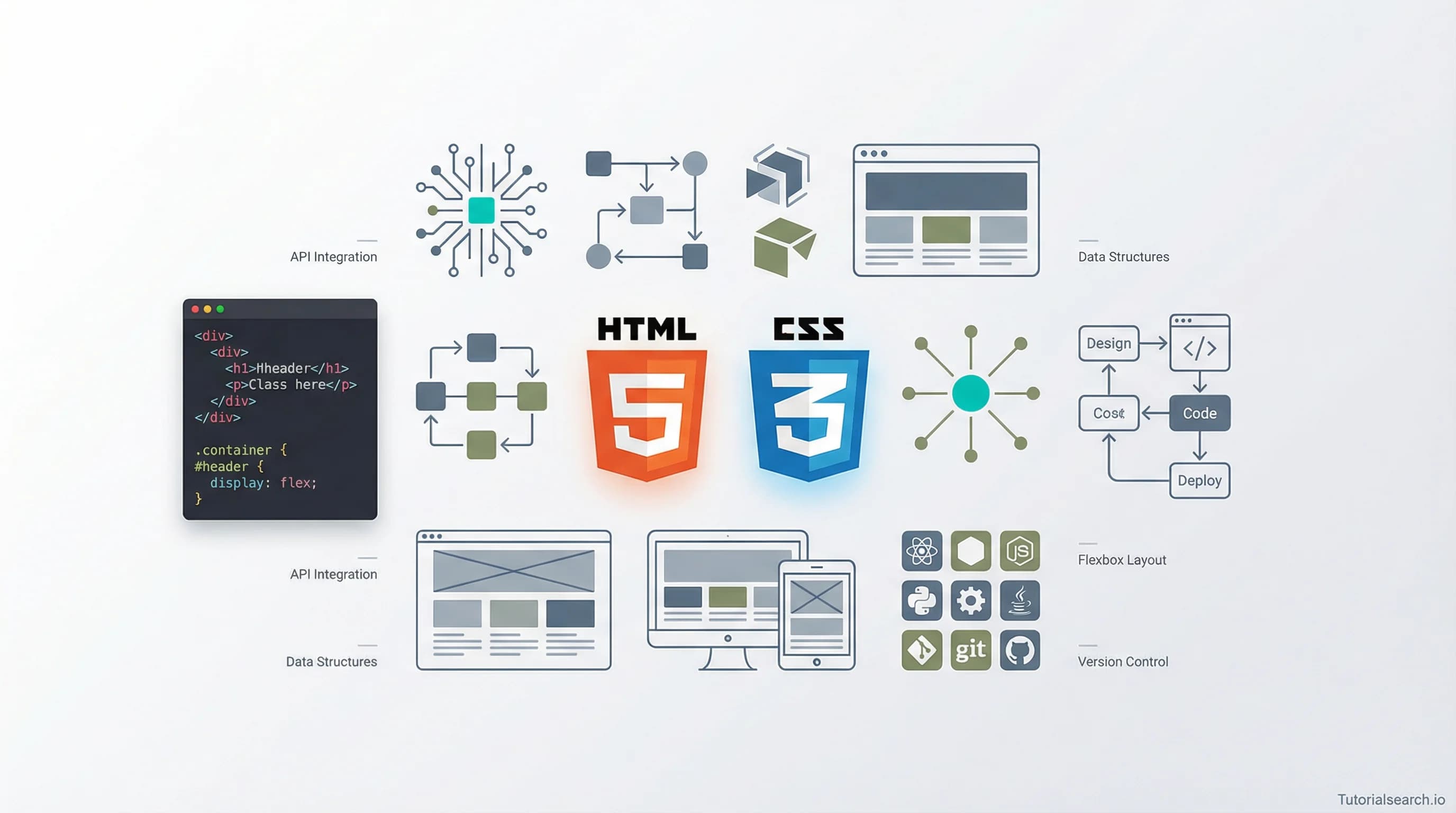
Web Site Creation — Where to Start, What Actually Works
Web site creation starts with one decision that shapes everything else. Here are the courses, free resources, YouTube channels, and communities that actually help you build.
Need a web app built? Hire the team behind TutorialSearch.io
We ship fast, production-grade full-stack apps (Next.js, React, edge infra) — the same stack that powers this site.
Web site creation is one of those skills where the first decision you make—which tool to learn first—shapes everything that follows.
Most beginners make the same mistake. They start with a website builder (Wix, Squarespace, or Shopify) because those tools look approachable. Then two weeks later they hit a design wall they can't get past. Or they go the opposite route—diving straight into HTML, CSS, and JavaScript tutorials—and end up three months in with code but no live site and no idea how the pieces connect.
The fix is knowing the order of things before you pick your first tool.
Key Takeaways
- Web site creation involves three core layers: structure (HTML), style (CSS), and either a platform like WordPress or JavaScript for interaction
- Knowing basic HTML and CSS gives you far more control, even if you end up using a website builder
- The fastest path to a live web site combines a good course with one hands-on platform or tool
- Free resources from MDN Web Docs, freeCodeCamp, and The Odin Project are genuinely excellent — no subscription needed
- If your goal is a business website, learn SEO basics alongside your technical skills from day one
In This Article
- One Thing Most Web Site Creators Get Backwards
- Pick Your Web Site Creation Path
- Web Site Creation Courses Worth Your Time
- Free Web Site Creation Resources That Go Surprisingly Deep
- Web Site Creation YouTube Channels That Actually Teach
- Web Site Creation GitHub Repos Worth Starring
- Books That Take Web Site Creation Seriously
- Web Site Creation Communities Worth Joining
- Related Skills Worth Pairing With Web Site Creation
- Frequently Asked Questions About Web Site Creation
One Thing Most Web Site Creators Get Backwards
Almost everyone starts their web site creation journey by searching "best website builder" and spending two days reading comparison articles. That's the backwards part.
The choice of tool matters less than understanding what you want to build and why. A portfolio site for a graphic designer needs different skills than an e-commerce store or a blog. A site you're building for a client needs different infrastructure than a side project you'll update twice a year.
Before you pick a course or a platform, answer three questions.
What is the site for? Personal portfolio, business landing page, online store, or blog — each has a different complexity level and a different ideal starting point.
Do you want to code it yourself? If yes, start with HTML and CSS fundamentals before touching any framework or builder. If no, WordPress and Webflow are excellent no-code-friendly options that still scale when you need them to.
Does it need to rank on Google? If yes, SEO is not an afterthought. You'll want to understand meta tags, page speed, and content structure from the very start — not six months in.
These answers point you toward a path. Here's a quick guide to choosing:
Pick Your Web Site Creation Path
| Your Situation | Recommended Starting Point |
|---|---|
| Complete beginner, want to understand how sites work | MDN Web Docs → freeCodeCamp HTML/CSS → The Odin Project |
| Want a site live quickly, no coding required | WordPress with a block theme or Webflow University |
| Building for clients or a career in web development | Structured course (HTML/CSS/JS) + WordPress or a front-end framework |
| E-commerce or affiliate site focus | WordPress + WooCommerce, or a dedicated SEO-and-site course |
| Want AI-assisted creation with minimal effort | Hostinger Horizons or Webflow AI tools |
You can explore 499+ web site creation courses on TutorialSearch.io once you know which direction fits you. But first, here's what's worth learning from.
Web Site Creation Courses Worth Your Time
There are hundreds of courses on this topic. Most are fine. A few are genuinely good. Here's how I'd sort them.
1. Total Frontend Website Creation — HTML, CSS, JavaScript, jQuery [Editors' Choice]
Instructor Laurence Svekis has built a reputation for practical, project-driven teaching. This course covers the full front-end stack for web site creation — HTML structure, CSS layout, JavaScript interactivity, and jQuery for quick wins.
What makes it stand out: it doesn't stop at "here's a button." You build actual functional UI components. With over 14,000 students and a 4.35 rating, the curriculum is proven.
Topics covered:
- HTML page structure and semantic elements
- CSS selectors, box model, flexbox, and grid
- JavaScript DOM manipulation
- jQuery for interactivity and animations
- Building complete web pages from a blank file
If I had to recommend one course to a friend who wanted to understand web site creation — not just drag and drop — this would be it. It's also worth noting that everyone recommends starting with a no-code builder, but honestly, this HTML/CSS-first approach builds skills that last far longer.
2. Complete Affiliate Marketing Website Creation + SEO Mastery [Editors' Choice]
Most web site creation courses ignore SEO entirely. This one by Passive Income Gen Z puts it at the center — which is the right call if you're building a website that needs to rank on Google.
Over 13,500 students have enrolled. The 4.44 rating reflects that it delivers on its promise: a complete workflow from domain registration and site setup to keyword research and on-page optimization.
This pairs especially well with the Web Applications browse page if you want to move from static sites to more dynamic web properties later.
3. AI Website Creation with Hostinger Horizons – No Coding
The no-code movement grew up fast. Omolu Osivue Christopher teaches how to use Hostinger's AI-powered builder to go from idea to live site without a single line of code.
It has a 5.0 rating (early cohort, smaller numbers) but the underlying tool — Hostinger Horizons — is genuinely impressive for AI-assisted creation. If you want speed over full control, this is a valid approach.
4. Easy & Fast Website Creation Using WordPress
KC Tan takes a genuinely intermediate approach here, which means you won't be guided through every single click — but you'll actually understand what you're doing. This course covers WordPress 6.0 with a focus on building real sites efficiently.
The 4.48 rating reflects clean instruction and a practical pace. It's particularly good for people who already know the basics and want to actually ship something.
5. WordPress & Elementor | E-Commerce & Dropshipping Success
Ricky Wallace covers what happens after you build the basic site — setting up e-commerce, products, and a dropshipping workflow using WordPress and Elementor. Rating: 4.72, with 1,655 students.
If e-commerce is your goal, pair this with a look at the WordPress Development courses. There are 566+ options in that category covering everything from basic themes to custom plugin development.
6. Google Sites: Your Guide to Website Creation the Easy Way
Sometimes the goal isn't a custom-built site — it's a clean, reliable page that gets online fast. Steve Dougherty's course on Google Sites (rating: 4.51) covers the simplest possible approach to web site creation using tools Google gives you for free.
It's not glamorous. But if you need a site for a small business or a community group and you need it this week, this approach delivers.
Free Web Site Creation Resources That Go Surprisingly Deep
You don't need to pay to learn web site creation well. The free resources are, in several cases, better than paid alternatives.
MDN Web Docs — Your First Website [Editors' Choice] is where to start. Mozilla's developer documentation is the most authoritative, up-to-date reference for HTML, CSS, and JavaScript on the internet. Their beginner guide walks you through everything from creating your first HTML file to putting it live online. It's thorough, well-organized, and free.
freeCodeCamp offers a complete Responsive Web Design certification that covers HTML and CSS through hands-on projects. The curriculum is structured, the projects are real, and the community forum is active. If you want a guided free path, this is the closest thing to a full course at zero cost.
The Odin Project is the "no shortcuts" approach. It's project-based, opinionated, and covers HTML, CSS, and JavaScript in depth before moving into frameworks. It takes longer, but you understand everything you build. That's a rarer outcome than most bootcamps deliver.
W3Schools gets unfair criticism in developer circles. It's useful for quick lookups and beginner-level explanations. The "Try it Yourself" editor shows you exactly what your code produces as you write it. Don't use it as your main curriculum, but keep it bookmarked.
Webflow University is free and excellent for the no-code route. Webflow's visual editor is powerful, and their tutorial library shows how to build real-world layouts without writing CSS manually. Worth exploring alongside Front-End Development courses to understand what's happening under the hood.
DigitalOcean's CSS Tutorial Series walks you through building a complete personal website with CSS, then deploying it to the cloud. The final output is a real deployed site — not a sandbox exercise.
WebsiteSetup.org is a step-by-step guide to building your first website that's actually readable. It's not a course — it's more like a well-organized checklist that makes sure you don't skip steps.
Scrimba's Frontend Path uses an interactive format where you can pause the instructor's video and edit their code directly in the browser. It's aligned with Mozilla's MDN curriculum, which means you're learning from a trusted source while getting hands-on practice simultaneously.
Web Site Creation YouTube Channels That Actually Teach
Need a web app built? Hire the team behind TutorialSearch.io
We ship fast, production-grade full-stack apps (Next.js, React, edge infra) — the same stack that powers this site.
YouTube has three categories of web development channels: channels that produce content, channels that teach, and channels that change how you think. These come from the third group.
Kevin Powell is the best CSS teacher on the internet. That's not an exaggeration. His explanations of flexbox, grid, and responsive design are the clearest available — paid or free. His enthusiasm for CSS makes even specificity watchable.
Traversy Media has over 2.1 million subscribers for a reason. Brad Traversy builds real projects in real time, covering everything from "here's how HTML works" to full-stack applications. The crash course videos are good entry points; the project-based videos are better.
The Net Ninja [Editors' Choice] runs organized playlists that feel more like full courses than scattered tutorials. With 1.3 million subscribers and 2,200+ videos, Shaun covers HTML, CSS, JavaScript, and major frameworks with the kind of structure that actually helps beginners stay on track. His playlist on HTML and CSS for absolute beginners is a reliable starting point for web site creation.
Web Dev Simplified (1.38M subscribers) specializes in concise explanations. If you already understand the basics and need a concept clarified fast, Kyle Cook's videos are the ones to reach for. He breaks down complex patterns in under 15 minutes — a format that respects your time.
Fireship is worth knowing for a different reason: the 100-second intro videos give you the fastest possible orientation to any web technology before you commit to learning it. Not a tutorial channel in the traditional sense, but excellent for deciding what to learn next.
Web Site Creation GitHub Repos Worth Starring
GitHub is where the web development community documents what it actually uses — not just what it was told to use in a bootcamp.
markodenic/web-development-resources is a curated list of tools, resources, and references maintained by the community. It covers design tools, CSS frameworks, testing utilities, and deployment options. One of the more practical "awesome list" repos because it focuses on things developers actually reach for day to day.
lauragift21/awesome-learning-resources is organized specifically around learning (not just tools). It's useful when you know what you want to tackle next but don't know where to start. Organized by technology area.
DhanushNehru/Ultimate-Web-Development-Resources is organized by topic — HTML, CSS, JavaScript, frameworks, deployment — and works well as a reference map once you have a basic foundation.
The advantage of GitHub repos over random Google searches: these lists get maintained and updated. You're less likely to end up on a tutorial from 2016 that uses deprecated methods.
If you're already comfortable with the basics, the Front-End Frameworks courses on TutorialSearch.io are a natural next move. There are 529 courses in that category covering React, Vue, Angular, and Svelte.
Books That Take Web Site Creation Seriously
Most web site creation books age quickly — the web moves fast. But a few hold up because they teach thinking rather than just syntax.
"HTML and CSS: Design and Build Websites" by Jon Duckett is the book most designers cite as the one that made web development click for them. The visual layout of the book mirrors what you're learning — every concept gets a matching diagram. Not free, but worth the cost if you're a visual learner who wants a complete reference.
DOM Enlightenment is a free online book that goes deep into how JavaScript interacts with the HTML structure of a page. If you've learned to build pages but feel fuzzy on how JavaScript actually "touches" the elements you've written, this fills that gap cleanly.
Learn to Code HTML and CSS by Shay Howe is free online and covers fundamentals in a clean, practical format. It's simpler than MDN but more structured than a random tutorial — a good middle ground for people who want a book-style experience without paying for one.
"CSS: The Definitive Guide" by Eric Meyer and Estelle Weyl is not a beginner book — it's a reference. Keep it bookmarked for when you need to understand exactly how a CSS property behaves in edge cases.
Web Site Creation Communities Worth Joining
Learning web site creation alone is slower than learning with people who answer questions at 11 PM.
r/webdev and r/learnprogramming are the biggest generalist Reddit communities for this. r/learnprogramming is friendlier to beginners; r/webdev is better for intermediate questions and industry conversations.
The Coding Den Discord has over 148,000 members and dedicated channels for HTML, CSS, and JavaScript. It's active enough that most questions get answered within a few hours — and the culture tends toward teaching rather than gatekeeping.
Devcord is what the Discord web dev community calls the "frontend community" — 39,000+ members, beginner-friendly channels, and a focus on continued growth rather than just hiring prep.
FreeCodeCamp Forum is the best community if you're following freeCodeCamp's curriculum. With 5 million views a month, most beginner questions have already been asked and answered in detail.
Stack Overflow is not a community in the warm sense of the word. But it's where specific technical questions get answered, and learning to search effectively on Stack Overflow is itself a skill worth developing early.
Related Skills Worth Pairing With Web Site Creation
Web site creation rarely exists in isolation. Once a site is live, you'll almost certainly want to improve its visibility or add real functionality.
Website Development — 1,679 courses covering the broader development workflow, from hosting to deployment to ongoing maintenance.
Front-End Development — 1,526 courses covering HTML, CSS, and JavaScript at deeper levels, including responsive design and accessibility standards.
Full Stack Development — 965 courses for when you want to add backend functionality: databases, user accounts, APIs, and server-side logic.
WordPress Development — 566 courses covering the most-used CMS in the world, from basic setup through custom theme and plugin development.
Front-End Frameworks — 529 courses covering React, Vue, Angular, and Svelte for building interactive, data-driven web applications.
HTML Fundamentals — 376 courses focusing specifically on the language every website is built on, at every depth level.
Web Applications — 2,249 courses for moving from static websites to dynamic applications with real-world functionality.
General Web Development — 477 courses for a broad foundation before you specialize in a specific area.
Frequently Asked Questions About Web Site Creation
How long does it take to learn web site creation?
You can have a basic website live in a weekend using WordPress or Webflow. Learning HTML, CSS, and JavaScript well enough to build custom sites without tools takes 3–6 months of consistent practice — a few hours most days. Search web site creation courses by level to find something that matches your current pace.
Do I need to know how to code to create a website?
No. WordPress, Webflow, Wix, and Squarespace all support building functional websites without writing code. That said, knowing even basic HTML and CSS gives you more control over the result and makes troubleshooting far easier. Most experienced no-code builders end up learning at least some HTML eventually — not because they have to, but because it makes everything faster.
Can I get a job with web site creation skills?
Yes, though these skills are the starting point, not the full picture. Entry-level web developer roles typically expect HTML, CSS, JavaScript, and at least one framework (React is the most in-demand right now). The Full Stack Development courses and Front-End Development resources are the logical next steps after getting the basics down.
What platforms are best for web site creation?
It depends on your goal. WordPress powers about 43% of all websites globally — that's a significant number — and is the most flexible option, though it requires some maintenance. Webflow gives more design control without coding. Wix and Squarespace are the easiest to start with. For custom, code-based sites, you'll work with frameworks like React or plain HTML/CSS hosted on Netlify or Vercel.
What tools do working web developers use every day?
The core tools are a code editor (VS Code is the most popular by a wide margin), a browser with developer tools (Chrome DevTools is essential), and version control (Git and GitHub). Design work usually goes through Figma. You can browse 499+ web site creation courses that cover these tools specifically — filtering by level is the fastest way to find the right fit.
The best next move is simple: pick one path from the table at the top of this post, commit to it for 30 days, and build something small before you switch tools or platforms. Most beginners stall not because the resources are bad but because they keep switching. One path, one project, then expand.