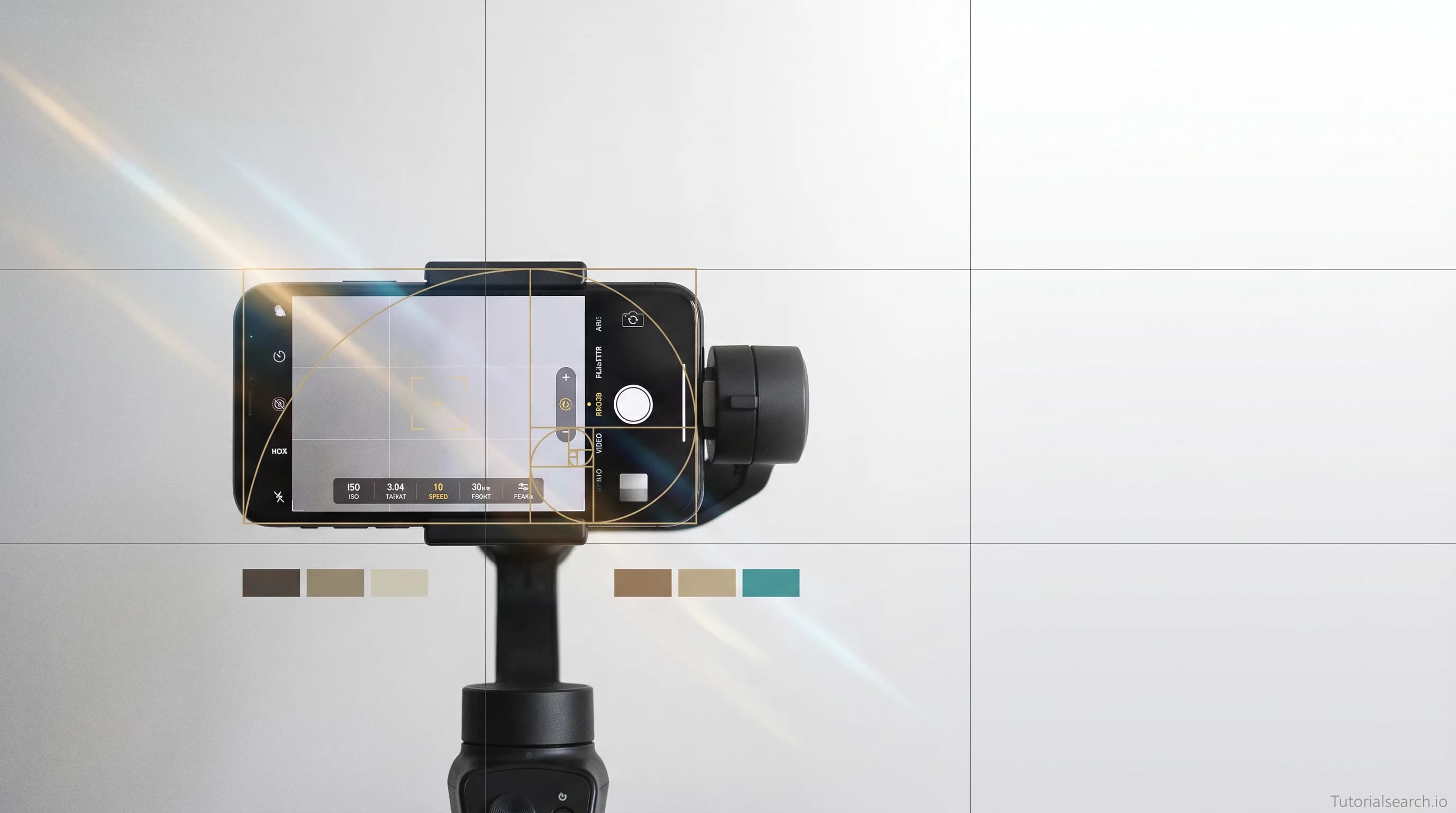
Smartphone Filmmaking: The Courses and Resources I'd Actually Recommend
A curated guide to smartphone filmmaking in 2026 — covering the best courses, free resources, YouTube channels, GitHub repos, and books for shooting cinematic mobile video without expensive equipment.
Hire the developers behind TutorialSearch.io
We built this site — full-stack web apps, AI integration & automation. Tell us what you need and we'll build yours.
Smartphone filmmaking has crossed a threshold that most people haven't noticed yet — the phone in your pocket right now can shoot footage that's genuinely hard to distinguish from a cinema camera, and as of 2026, that's not marketing copy, it's just true. If you've been putting off learning to shoot serious video because you thought you needed better gear, this guide is going to reframe that assumption entirely.
The real bottleneck isn't your phone. It's the craft. Framing, light, movement, and audio are the skills that separate phone footage that looks cinematic from phone footage that looks like a home video. Those skills are learnable, and there are excellent smartphone filmmaking courses to get you there faster than you'd think.
This is the guide I'd hand someone who's serious about leveling up: not just a list, but a pathway from your first shoots to a confident mobile filmmaking workflow.
Key Takeaways
- Smartphone filmmaking in 2026 is a legitimate professional medium — craft matters more than equipment
- The biggest upgrades to your smartphone video aren't accessories but skills: light, framing, and audio
- You can shoot professional-quality smartphone filmmaking content with a $200 accessory kit and the right technique
- The best smartphone filmmaking courses teach cinematography principles, not just phone menu tutorials
In This Article
- Smartphone Filmmaking Courses I'd Actually Stand Behind
- Free Smartphone Filmmaking Resources Worth Your Time
- YouTube Channels That Actually Teach Smartphone Filmmaking
- GitHub Repos and Open Resources for Mobile Filmmakers
- Paid vs. Free: Smartphone Filmmaking Resources Compared
- Books for Smartphone Filmmakers Who Want to Go Deeper
- Smartphone Filmmaking Communities Worth Joining
- Related Smartphone Filmmaking Skills Worth Exploring
- FAQ
Smartphone Filmmaking Courses I'd Actually Stand Behind
There's a wide range in quality here. Some courses teach you how to click through menus. The good ones teach you how to see — which is the actual skill.
- Smartphone Cinematography 101: Learn To Shoot Cinematic Mobile Video (Skillshare) — [Editors' Choice]
Blake Calhoun has built one of the most substantive smartphone filmmaking courses available anywhere. What sets this apart is the emphasis on cinematography principles — composition, the rule of thirds, lighting theory, camera movement — that apply to any camera, not just phones. He covers specific smartphone shooting techniques and goes deep on gear and app selection, but the framework you're learning here is real filmmaking. With 925 students and a perfect 5-star rating, this is the one I'd send a beginner to first. If you only take one smartphone filmmaking course, make it this one.
Adi Singh's Skillshare course is beginner-friendly in the best way — it moves fast, stays practical, and doesn't waste time on gear rabbit holes. The focus is on production decisions: how to frame a subject, how to use window light, how to build a consistent visual style. Rated 5 stars, it's one of the stronger iPhone-specific resources in this list.
- Smartphone (MOJO) Filming and Editing Definitive Masterclass (Udemy) — [Editors' Choice]
Dean Arnett is a former BBC Academy media trainer, and it shows. MOJO (Mobile Journalism) is a professional practice — journalists, documentary makers, and corporate content teams use these techniques daily. This 7+ hour masterclass covers shooting, interview technique, audio, lighting, and four mobile editing apps in depth: KineMaster, iMovie, Adobe Rush, and LumaFusion. If you're shooting for broadcast, journalism, or professional corporate content, this is the most authoritative smartphone filmmaking course I've found. Arnett's clients include the BBC, ITV, Media Corp, and the Press Association.
If you're shooting with Filmic Pro — the industry-standard manual camera app — this course makes that investment worthwhile. The instruction covers dual lens recording, log capture, waveform monitors, and the full feature set for both iPhone and Android. Rated 4.7 stars. Filmic Pro changed how I thought about manual controls on a phone; this course is the fastest path to mastering it.
- The Complete Guide To FiLMiC Pro V6: Learn Smartphone Video (Udemy) — [Editors' Choice]
Mobile Filmmaker Academy runs this exhaustive technical course. Where the previous entry is broad, this one goes deep on the app itself: slow motion workflows, timelapse, the Cinematographer Kit, log footage color grading, external monitoring, and hands-on gear demos. Student feedback is consistently excellent — "finished the course in a weekend and learned at least 15 new things." If FiLMiC Pro V6 is your chosen camera app, this is the only course you need on it.
A genuinely solid beginner course with over 1,000 students and a 4.7-star rating. Dave Cornthwaite keeps things approachable without dumbing them down. Good for someone who wants to make narrative short films rather than social media content — the perspective here is more creative and story-focused than most phone video courses.
- Smartphone Video Workshop (Udemy)
Dave Hudson's workshop sits in a sweet spot: practical enough for immediate application, thorough enough to build real technique. The focus on workflow — how a shoot unfolds from setup to export — makes this especially useful for people who've watched tutorials but struggle to put it all together on a real job. Rated 4.7 stars.
For travel videographers specifically, this course from Dean & Darren of Travelvids.tv is the go-to resource. With 2,261 students and 493 reviews at 4.5 stars, it's among the most battle-tested courses in this list. On-site demonstrations, real locations, and a story-first approach to capturing travel memories.
Free Smartphone Filmmaking Resources Worth Your Time
The conventional wisdom says free resources are just previews trying to sell you something. That's not quite right for smartphone filmmaking — there's genuinely excellent free material if you know where to look.
Pixflow's 2026 Mobile Filmmaking Guide is the most comprehensive free resource I've found for current-year practice. It covers phone selection (iPhone 17 Pro Max, Galaxy S26 Ultra, Pixel 10 Pro), the complete accessory ecosystem, camera app recommendations, every technical setting that matters (shutter angle, log profiles, codec choices), lighting, composition, gimbal movement, audio capture, and editing workflows. It even goes deep on color grading with Log footage. This is a real guide, not a listicle.
The Desktop Documentaries Beginner's Guide to Smartphone Filmmaking focuses on documentary and non-fiction video. Practical, no-nonsense, with good sections on interviewing technique and B-roll strategy.
Moment's Free Mobile Filmmaking Class comes from a company that makes some of the best mobile lens attachments available, so there's obvious commercial context — but the actual instruction is excellent. Their free class covers pro techniques, essential tools, and downloadable resources. They offer $500 in store credit to students who complete assignments, which is a meaningful incentive if you're in the market for glass.
Blackmagic Camera App (free on iOS and Android) is technically a tool, not a tutorial, but it's the most important free resource a smartphone filmmaker can install. Manual ISO, shutter angle, white balance, focus, and direct upload to DaVinci Resolve. Most practitioners consider this the top pro camera app on either platform.
Class Central's Mobile Filmmaking Hub aggregates free and paid mobile filmmaking courses with student reviews — useful for comparing options before committing. You can also search smartphone filmmaking on TutorialSearch to find courses across Udemy, Skillshare, and Pluralsight in one place.
YouTube Channels That Actually Teach Smartphone Filmmaking
Hire the developers behind TutorialSearch.io
We built this site — full-stack web apps, AI integration & automation. Tell us what you need and we'll build yours.
YouTube is the best free school in the world for mobile video technique. The challenge is sorting signal from noise.
Smartphone Filmmaking Pro (136K subscribers) is one of the most comprehensive dedicated channels. Over 230 training videos covering gimbal moves, lighting, color grading, and platform-specific content, with new material monthly. The depth here is real — this is a focused teaching channel, not a lifestyle vlog with occasional tips.
Epic Tutorials for Mobile Filmmaking delivers practical, no-fluff instruction aimed at both beginners and working mobile professionals. Good for hyperlapse technique, gimbal moves, and platform-specific content like real estate video and product shots.
Filmmaker IQ isn't exclusively a smartphone channel, but it's the most useful YouTube resource for understanding underlying principles — why cinematography works the way it does. Their videos on exposure, the 180-degree rule, and shot composition are essential background knowledge that makes every phone-specific tutorial make sense.
Film Riot combines accessible instruction with real production context. Their tutorials on handheld technique, audio on set, and low-budget production apply directly to mobile filmmaking, even when the examples use larger cameras.
Film Courage is the thinking filmmaker's YouTube channel — long-form interviews with working directors, cinematographers, and writers about how storytelling actually works. Less technical tutorial, more creative orientation. Useful for developing the visual instincts that phone technique alone can't teach.
GitHub Repos and Open Resources for Mobile Filmmakers
GitHub isn't the first place most filmmakers look, but for mobile tools and open references, it's worth knowing what's there.
awesome-filmmaking — A curated community list of filmmaking resources. Covers apps, workflow tools, shot planning references, and learning resources across all camera types. Particularly useful for discovering tools that don't appear in mainstream app stores.
awesome-video-production — Software, services, and resources for video creation. Good for finding cross-platform post-production tools that work with mobile-captured footage, including free color grading and audio apps.
creative-resources by adammakesfilm — A maintained list of free creative software and tools curated for filmmakers, photographers, and hobbyists. Strong on free alternatives to paid apps — valuable when building a workflow from scratch.
Filming-Mobile-Phone by WITNESS — Best practices for filming documentation video on mobile phones. Originally produced for human rights contexts, but the core guidance on steady shooting, audio capture, and framing transfers directly to any serious mobile filming practice. Free, thorough, worth reading in an afternoon.
Paid vs. Free: Smartphone Filmmaking Resources Compared
There's a version of this decision worth thinking through honestly, not just listing options.
| What You Need | Best Free Option | Best Paid Option |
|---|---|---|
| Overall craft foundation | Pixflow's 2026 Mobile Filmmaking Guide | Smartphone Cinematography 101 (Skillshare) |
| Technical camera control | Blackmagic Camera App + YouTube | FiLMiC Pro + Complete Guide Course (Udemy) |
| Professional/broadcast video | WITNESS Mobile Filming Guide | MOJO Masterclass by Dean Arnett (Udemy) |
| Mobile editing | CapCut (free app) | LumaFusion + MOJO Masterclass |
| Travel and lifestyle video | Epic Tutorials YouTube channel | Step by Step Mobile Phone Travel Videos (Udemy) |
| iPhone-specific technique | Film Riot YouTube | iPhone Filmmaking course (Skillshare) |
The honest take: free resources will teach you 80 percent of what you need. The paid courses earn their price in structure, depth, and the time they save you finding things the hard way. If you're shooting for fun or starting out, go free first. If you're shooting for clients or want to compress the learning curve, the structured courses above are worth the investment.
Books for Smartphone Filmmakers Who Want to Go Deeper
Video tutorials excel at demonstrating technique, but books are better for understanding the principles that actually stick.
The Smartphone Filmmaking Handbook by Neil Philip Sheppard — Second edition available, and still the most complete single-volume resource on smartphone movie making. 28 chapters covering equipment, apps, lighting, sound, composition, and editing. Strong on filming for broadcast and cinema. This is the reference book you'll actually reach for again after the first read.
Smartphone Cinema: Making Great Films with Your Mobile Phone by Bart Weiss — Weiss draws from his experience teaching mobile filmmaking classes. Practical, narrative-focused, and genuinely useful on storytelling technique. Where Sheppard is the technical reference, Weiss is the creative companion. Prefer learning by video? The courses in this guide cover similar territory in a format most people find faster to apply.
Smartphone Filmmaking Communities Worth Joining
Making films in isolation limits your development faster than almost anything else. Feedback, critique, and peer learning accelerate growth in ways tutorials alone can't replicate.
Student Filmmakers Forums — Smartphone Section — A dedicated discussion area for smartphone and mobile video makers. Active, practical, and one of the few forums that take phone filmmaking seriously as a practice rather than a workaround.
Photography & Filmmaking Discord — 30+ channels covering creative direction, gear, shooting, and editing for both photographers and videographers. Good for quick feedback on a shot or help troubleshooting a technical issue in real time.
r/Filmmakers on Reddit — The largest online community for people making movies at any level. Mobile content is welcomed, and the mix of working professionals and enthusiastic beginners makes it a useful place to ask questions and share work.
Related Smartphone Filmmaking Skills Worth Exploring
If smartphone filmmaking interests you, these related areas pair naturally with what you've already learned:
- Video Editing — Where your phone footage becomes a finished film. CapCut and LumaFusion on mobile; Premiere Pro and DaVinci Resolve on desktop
- iPhone Photography — The compositional and technical principles here transfer directly into stronger video frames
- Photo Techniques — Understanding light and exposure in stills makes you a better smartphone filmmaker
- Video Production — The broader craft: directing, producing, and managing full productions beyond single-phone shoots
FAQ
How long does it take to learn smartphone filmmaking?
You can get noticeably better footage after one focused weekend of practice on settings, framing, and lighting. Reaching a confident, professional level takes most people three to six months of regular shooting and editing. The fastest path is committing to one short project per week — deliberate practice beats passive tutorial watching every time.
Do I need expensive equipment for smartphone filmmaking?
No, but a small kit makes a significant difference. The highest-impact single purchase is a three-axis gimbal ($100–150), which eliminates shake and enables smooth cinematic moves. An external microphone ($50–80) is the second upgrade that matters most — bad audio undermines even great footage. Beyond that, a variable ND filter and a mini tripod round out a full starter kit for under $300 total.
Does smartphone filmmaking work on Android as well as iPhone?
Yes. The Samsung Galaxy S26 Ultra, Pixel 10 Pro, and Xiaomi 15 Ultra all record 10-bit 4K with manual control and log profiles that rival the iPhone. The Blackmagic Camera app is available on both iOS and Android and brings the same manual control to either platform. The MOJO Masterclass and the Filmic Pro course in this guide explicitly cover both iPhone and Android workflows.
Can I get a job with smartphone filmmaking skills?
Yes, and the market for it is real. Social media managers, content creators, brand video producers, mobile journalists, and independent filmmakers are all using smartphone filmmaking professionally. Many companies specifically want mobile-native video creators who understand vertical formats and social platforms. The skills — light, composition, audio, editing — transfer directly to any client-facing video work.
What apps should I learn first for smartphone filmmaking?
Start with Blackmagic Camera (free on iOS and Android) for shooting — it gives you manual control comparable to a cinema camera app. For editing, CapCut is the most feature-rich free option and excellent for social content. LumaFusion is the best paid mobile editor for longer or more complex projects. If you're planning serious work, a structured course on FiLMiC Pro is worthwhile.
Is vertical video worth learning for smartphone filmmaking?
Absolutely. In 2026, vertical 9:16 is the dominant format for TikTok, Instagram Reels, and YouTube Shorts — which collectively represent more video views than horizontal content on most platforms. The fundamental skills are identical; the framing is tighter and more character-focused. Shoot horizontal with subjects in the center third if you need to deliver in both formats from a single shoot.