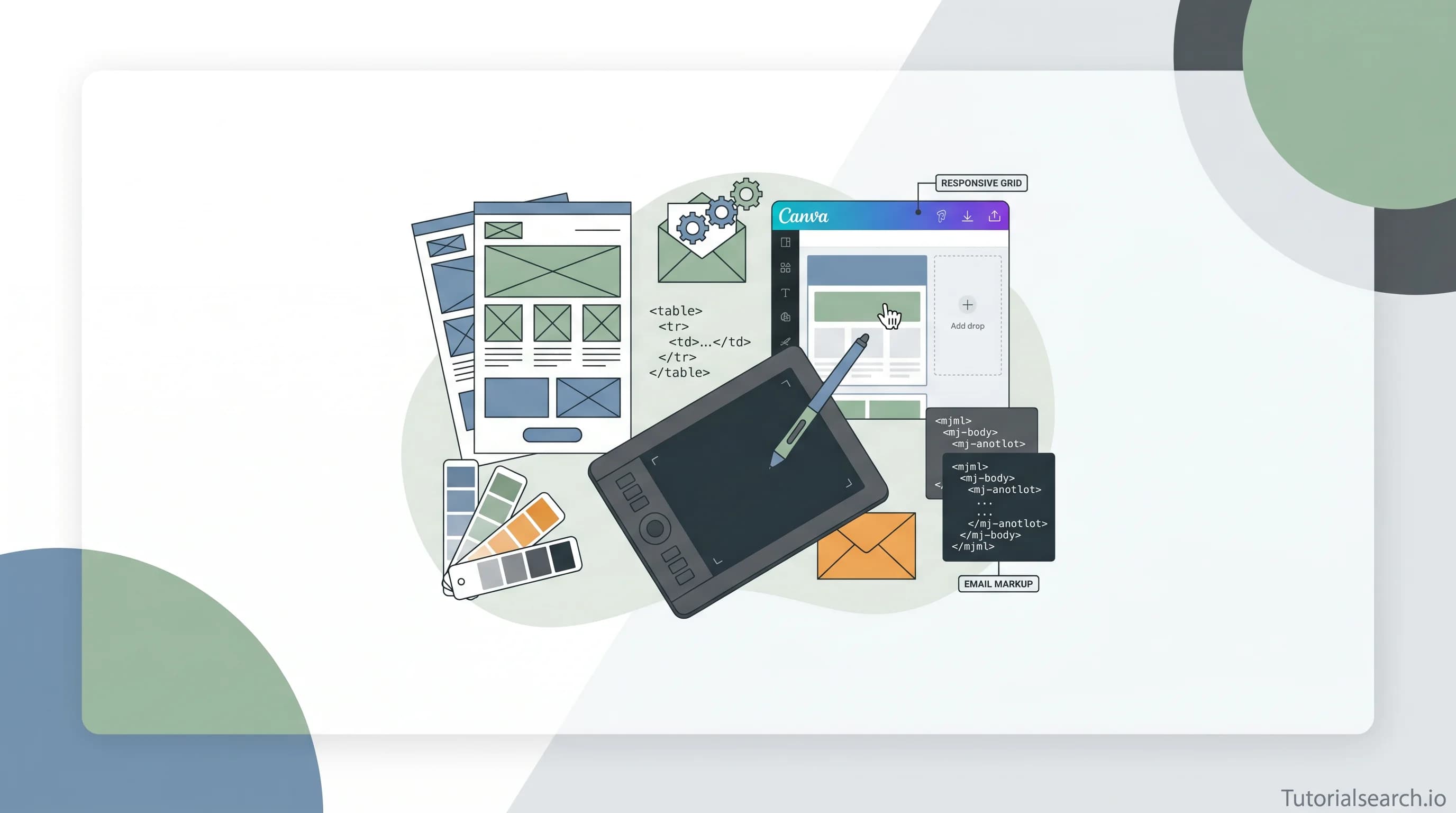
Email Design: The Guide I Wish I Had Starting Out
A curated guide to email design in 2026 — covering no-code Canva courses, responsive HTML email frameworks like MJML, free design resources, GitHub repos, and the best books for both beginners and developers.
Have a design? We'll build it — the devs behind TutorialSearch.io
Pixel-accurate, responsive front-ends from your Figma — wired to real back-ends by the team that built this site.
Email design is a craft that most marketers treat as an afterthought — and it shows in their open rates. If you've ever stared at an email you sent and thought "why does this look so bad in Outlook?", you're not alone. The gap between designing something polished in Figma and getting it to render consistently across 90+ email clients is genuinely hard. This guide collects the courses, tools, frameworks, and communities worth your time — no padding — starting with a curated library of email design courses that spans every skill level.
Whether you're a marketer who wants to stop depending on developers for every campaign tweak, or a designer ready to go deep into responsive HTML emails, the resources here will get you further, faster.
Key Takeaways
- Email design sits at the intersection of visual design and technical HTML/CSS — mastering both is what separates good emails from great ones
- Responsive email design is non-negotiable in 2026, with over 60% of emails opened on mobile devices
- Tools like MJML and Maizzle dramatically reduce the pain of coding cross-client compatible emails
- You don't need to know code to start: Canva-based email design courses give marketers a fast on-ramp
- Testing across email clients before you send is a step most beginners skip — and the most common source of embarrassing rendering bugs
In This Article
- What Makes Email Design Different From Web Design
- Email Design Courses Worth Taking
- Free Email Design Resources That Actually Help
- Email Design on YouTube: Channels and Playlists Worth Watching
- Email Design Frameworks on GitHub You Should Know
- Books on HTML Email Design Worth Reading
- Where the Email Design Community Lives
- Paid vs Free: How to Choose Your Email Design Learning Path
- Related Email Design Skills Worth Exploring
- FAQ
What Makes Email Design Different From Web Design
The first time I tried to port a beautiful HTML mockup into an email campaign, I spent two hours debugging why a CSS flexbox layout was collapsing in Outlook. That's when it clicked: email design isn't just web design with a smaller canvas. It's its own discipline, with its own rules, hacks, and mental models.
Web designers work with a relatively consistent set of browsers — all of which support modern CSS. Email designers work across a fragmented landscape of clients: Gmail, Outlook, Apple Mail, Yahoo, Samsung Mail, and dozens more, each with wildly different levels of HTML and CSS support. Outlook still renders emails using Microsoft Word's layout engine in some versions. That single fact explains why email developers reach for table-based layouts in 2026 when every web developer considers them archaic.
Here's what's genuinely different about email design, and why it trips up even experienced web designers:
- Layout system: Tables instead of flexbox or grid for maximum compatibility across clients
- CSS support: Inline styles are far safer than external stylesheets
- Fonts: Web fonts only render in some clients; fallback font stacks matter more than in web design
- Images: Many clients block images by default, making alt text and text-image balance critical
- Responsive techniques: Media queries work in some clients, fluid layouts in others
- Testing: Previewing in 10+ environments before sending is non-optional
Understanding these constraints early prevents most of the frustration — and is why courses like Design Engaging Emails in Canva focus on tools that abstract away the rendering complexity entirely.
Email Design Courses Worth Taking
The landscape of email design education has genuinely improved. Here's what's actually good:
Design Engaging Emails in Canva [Email Templates Included] (Udemy) — taught by Charlie Sweeney, an e-commerce strategist and Klaviyo specialist. This is the course for any marketer or small business owner who wants beautiful campaigns without touching a line of code. [Editors' Choice] You cover Canva's email-specific tools, visual hierarchy, color and typography best practices, and brand consistency. The course includes 7+ pre-built templates you can customize immediately. Practical, no-fluff, beginner-friendly.
Email Marketing Essentials: Design Engaging Emails in Canva + Free Templates (Skillshare) — also by Charlie Sweeney, rated 5 stars. The Skillshare version covers the same core ground with a project-based format. Great if you already have a Skillshare membership and want a community-driven learning experience.
Email Marketing: Build Responsive HTML Emails using MJML (Udemy, Free) — [Editors' Choice] The best free course on this list. Taught by Robin Louw, a Senior Designer with production email experience. MJML is the framework that finally makes responsive email coding bearable — it's component-based and compiles to table-heavy HTML automatically. The course covers MJML fundamentals, dark mode, accessibility, and email marketing best practices. Free, no certificate, but the knowledge is worth far more than the price. If you want to code emails professionally, start here.
Design to Code: Turning Email Designs into HTML and CSS (Udemy) — the bridge course for designers who want to understand what happens after the design is handed off. You'll cover the translation from Figma to coded HTML email output, table-based layout basics, and CSS inlining. A solid mid-level course for those who want the complete picture.
Email Marketing Responsivo - HTML para Designers (Udemy, Portuguese) — Gustavo Toscano's course is a gem if you read Portuguese. It covers message hierarchy, responsive email design, HTML validation, and delivery — structured around 10 clear steps and includes 3+ production-quality templates.
Interested in the broader visual craft behind email? Color theory, typography, and layout principles from graphic design transfer directly to email work — you'll find that expanding your visual design knowledge pays off immediately in campaign quality.
Free Email Design Resources That Actually Help
Good free resources exist, but there's a lot of noise. These are worth your time:
MJML Official Documentation is the most well-maintained free resource for HTML email coding in existence. The docs are clear, the component library is comprehensive, and the online editor lets you test MJML in-browser with zero setup.
Really Good Emails is the gallery I open when I need inspiration or want to audit what good email design looks like in production. Over 19,000 curated emails organized by type, industry, and purpose. Invaluable for spotting design patterns that convert.
Litmus Resources offers free guides, templates, and email client compatibility data updated regularly. Their email design documentation is one of the most comprehensive free technical references for email developers.
Smashing Magazine's Complete Guide to HTML Email is an older resource but remains one of the most thorough free written guides on the fundamentals of HTML email development. Strong foundation before diving into courses.
For a structured learning path beyond these free resources, searching the email design catalog on TutorialSearch surfaces courses organized by skill level and platform.
Email Design on YouTube: Channels and Playlists Worth Watching
Email Design Playlist on YouTube — a curated playlist specifically focused on email design and development. Good for quick visual walkthroughs of concepts before committing to a full course.
Flowium on YouTube — [Editors' Choice] Flowium specializes in e-commerce email marketing and has built one of the strongest YouTube libraries for Klaviyo strategy, segmentation, and email design for DTC brands. If you're building campaigns for online stores, this channel is essential. The content goes well beyond surface-level tips.
MailerLite on YouTube — step-by-step tutorials for their platform, including the drag-and-drop email editor. Particularly useful for small business owners who want guided, platform-specific instruction covering automation setup, campaign design, and deliverability basics.
AWeber on YouTube — a solid library of email marketing tutorials from a platform that's been around since the early days of the space. Their content covers everything from basic campaign setup to design best practices, skewing toward approachable explainer-style videos.
Email Design Frameworks on GitHub You Should Know
Have a design? We'll build it — the devs behind TutorialSearch.io
Pixel-accurate, responsive front-ends from your Figma — wired to real back-ends by the team that built this site.
If you're coding emails by hand, you're making things unnecessarily hard. These frameworks exist specifically to reduce that pain:
MJML (mjmlio/mjml) — 18,000+ GitHub stars and the industry standard for a reason. MJML's markup compiles to cross-client compatible HTML automatically, handling the table nesting and inline styles you'd otherwise write by hand. The MJML course above is the fastest way to get productive with it.
awesome-emails (jonathandion/awesome-emails) — a comprehensive curated list of frameworks, templates, tools, and workflows for building email. Think of it as the starting directory for everything in the HTML email development ecosystem. Good first bookmark if you're new to the coding side.
Maizzle (maizzle/maizzle) — the modern framework for developers who want to use Tailwind CSS to build emails. It handles CSS purging, inlining, and email-specific optimizations in its build process. If you already know Tailwind, the documentation gets you from zero to a working template in under 20 minutes.
sendwithus/templates — an open-source collection of production-quality email templates from the sendwithus team. Useful for seeing how real transactional email templates are structured and as a starting point you can fork and customize.
Books on HTML Email Design Worth Reading
Most email design books go out of date quickly because email client behavior changes constantly. These two have held up:
The Better Email on Design by Jason Rodriguez — the most technically thorough book on the list, covering HTML & CSS, typography, accessibility, images, responsive design, animation, and workflow. Rodriguez is a respected figure in the email development community. [Editors' Choice] If you read one email design book, make it this one.
Modern HTML Email by Jason Rodriguez — the earlier and more approachable book, focused on demystifying how to design and code HTML emails from scratch. Better as a foundation before the more advanced handbook above.
Create Stunning HTML Email That Just Works by Mathew Patterson — available via O'Reilly, this covers planning, designing, and building HTML emails with a strong focus on cross-client compatibility. Useful for web designers making the transition to email development.
Prefer video to books? The MJML course on TutorialSearch covers much of the same technical ground through hands-on projects at no cost.
Where the Email Design Community Lives
r/emaildesign on Reddit — the most active community for email designers and developers. Discussions range from specific Outlook rendering bugs to design critique threads, career advice, and tool recommendations. The quality of answers is generally high because the community skews technical.
Litmus Community — Litmus's dedicated forum for email development. Quieter than Reddit but more focused — good for finding tested code snippets and getting help with client-specific rendering issues.
Email Geeks Slack Community — a Slack workspace specifically for email designers and developers, with channels organized by topic: accessibility, Outlook issues, design tools, careers. This is where a lot of the professional conversation about email development happens in real time.
Paid vs Free: How to Choose Your Email Design Learning Path
Here's a straightforward decision framework, because the right path depends entirely on your goal:
| Your Goal | Best Starting Point | Cost |
|---|---|---|
| Design emails without coding (marketing) | Canva email design course (Udemy, low-cost) | Paid (low-cost) |
| Code responsive HTML emails professionally | MJML course + MJML docs | Free to start |
| Understand email design principles | Really Good Emails + Litmus resources | Free |
| Build emails with modern web tools | Maizzle framework + docs | Free |
| Deep technical reference | Jason Rodriguez's books | Paid |
The honest take: you can get 80% of the way with free resources. The MJML course listed above, the MJML documentation, and the Really Good Emails gallery are enough to become a competent email developer. Paid courses accelerate the journey and provide structure that self-guided learning lacks.
One thing worth pushing back on: the idea that coding emails is "too technical" for designers. The HTML and CSS involved is far simpler than modern web development — you're mostly working with tables, inline styles, and a handful of basic CSS properties. The frustrating part isn't the complexity, it's the inconsistency across clients. Outlook alone accounts for a disproportionate share of rendering bugs across the industry. Frameworks like MJML solve most of that inconsistency — they're specifically designed to absorb the cross-client pain so you don't have to.
Related Email Design Skills Worth Exploring
If email design has caught your interest, these areas connect closely and reinforce each other:
- UI/UX Design — the visual hierarchy, typography, and conversion-focused thinking you develop in UX work translates directly to designing effective email templates
- Canva Design — deepening your Canva skills opens up template creation well beyond email campaigns
- Layout Design — email design is fundamentally a layout discipline, and dedicated layout courses sharpen the grid thinking that makes email structures scannable
- Design Thinking — understanding how emails fit into a user journey and behavior flows gives your email design work broader strategic context
FAQ
How long does it take to learn email design?
For the no-code approach using Canva, you can be designing functional emails in a weekend. For HTML email development, expect 4-8 weeks of consistent practice before you're comfortable building from scratch. Mastering cross-client compatibility — particularly the Outlook quirks — takes longer, probably 3-6 months of production work.
Do I need to know HTML and CSS to learn email design?
No. If your goal is designing campaigns for marketing purposes, tools like Canva and Mailchimp's drag-and-drop editor require zero coding knowledge. If you want to build custom HTML templates, then basic HTML and CSS are required. Browse the email design courses to find the right fit for your starting point.
What is Email Design used for in UX design?
Email design plays a role in product UX through transactional emails (receipts, password resets, onboarding sequences) and lifecycle communications. UX designers working on apps increasingly own the email touchpoints in the user journey, which means email design is becoming a relevant skill even outside traditional marketing roles.
Why is responsive email design important?
Over 60% of emails are opened on mobile devices. An email that looks good on desktop but breaks on a 375px screen loses more than half its potential engagement immediately. Responsive email design — fluid layouts, mobile-specific media queries where supported, and tap-friendly CTA sizing — ensures your message lands well regardless of how it's read.
Can I get a job with email design skills?
Yes, and it's an underserved specialization. Email developers are rarer than web developers, and companies running significant email marketing programs pay well for people who can build, test, and optimize HTML email templates. The combination of design sensibility and technical HTML email knowledge is a strong differentiator in the design job market.
What software is used for email design?
It depends on your role. Designers typically use Figma or Canva to create email mockups. Developers use MJML, Maizzle, or write raw HTML with inline CSS. Email testing tools like Litmus and Email on Acid handle cross-client preview. Platforms like Mailchimp, Klaviyo, and MailerLite handle sending and drag-and-drop building for non-coders.