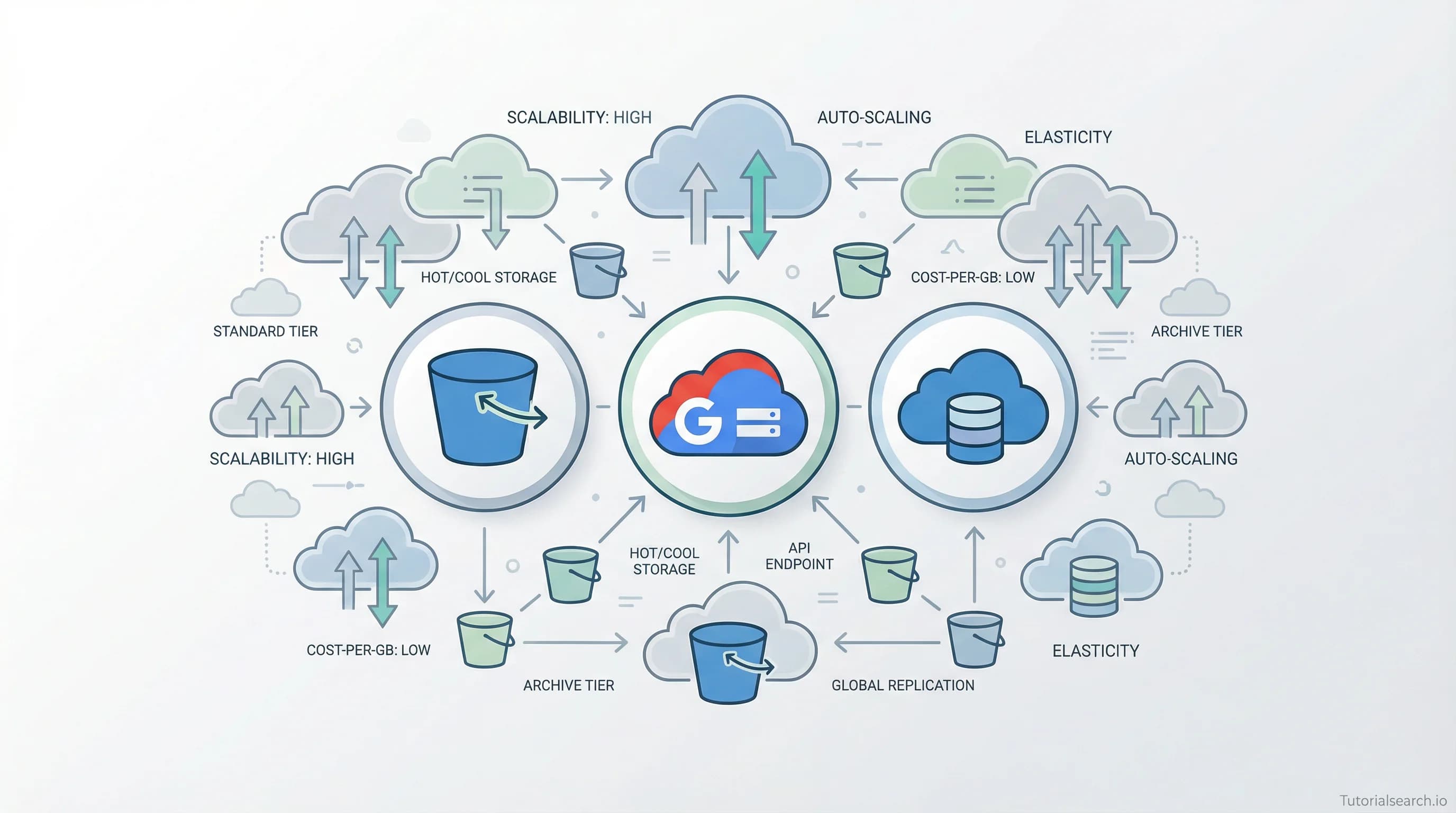
Cloud Storage Courses and Resources That Actually Deliver
Cloud storage comes in three types — and choosing wrong costs real money. Here are the best courses, free tools, GitHub repos, and communities for learning AWS S3, Google Cloud Storage, and Azure Blob.
Need a web app built? Hire the team behind TutorialSearch.io
We ship fast, production-grade full-stack apps (Next.js, React, edge infra) — the same stack that powers this site.
Cloud storage is everywhere — and picking the wrong type can cost your team real money. This guide covers the best courses, free tools, GitHub repos, and communities for learning AWS S3, Google Cloud Storage, and Azure Blob Storage.
Key Takeaways
- Cloud storage covers three distinct types — object, block, and file — and mixing them up gets expensive fast
- The best cloud storage courses teach decision-making, not just button-clicking in the console
- AWS, Google Cloud, and Azure all offer free tiers generous enough to practice without a credit card charge
- Cloud storage skills feed directly into cloud architecture, DevOps, and data engineering roles
- The learn-to-cloud GitHub roadmap is the best free structured path for getting started
In This Article
- Cloud Storage Is Not One Thing
- Cloud Storage Courses Worth a Busy Engineer's Time
- Free Cloud Storage Learning That Surprises People
- Cloud Storage YouTube: The Channels I Keep Coming Back To
- Cloud Storage GitHub Repos Worth Bookmarking
- Going Deeper on Cloud Storage: Books That Help
- Cloud Storage Communities Where Answers Come Fast
- Related Cloud Skills Worth Exploring
- Frequently Asked Questions About Cloud Storage
Cloud Storage Is Not One Thing
Here's what most tutorials skip over at the start: "cloud storage" isn't a single service. It's a category of three fundamentally different storage models, and confusing them is one of the most common (and expensive) beginner mistakes in cloud computing.
Object storage — like AWS S3, Google Cloud Storage, and Azure Blob — stores files as independent objects accessible over HTTP. It's perfect for images, videos, backups, and anything you'd call "unstructured data." Block storage — like AWS EBS — attaches to a virtual machine like a hard drive. It's what you use when a database needs low-latency, high-throughput disk access. File storage — like AWS EFS — gives you a shared filesystem that multiple servers can mount simultaneously.
| Storage Type | AWS Service | Best For |
|---|---|---|
| Object | S3 | Files, images, backups, static sites |
| Block | EBS | Databases, OS volumes, VM disks |
| File | EFS | Shared config, multi-server workloads |
Why does this table matter? Because an engineer who stores database files in S3 will see latency that makes no sense. An engineer who provisions EBS when they need shared file access will hit errors the moment a second server tries to mount the same volume. Learning cloud storage well means learning when to use which type — not just how to configure it.
With 122+ cloud storage courses on TutorialSearch.io across multiple platforms and skill levels, there's no shortage of options. The trick is knowing which ones actually teach the thinking behind storage decisions — and which ones just walk you through a UI.
Cloud Storage Courses Worth a Busy Engineer's Time
The courses below span AWS, Google Cloud, and Azure. I've spent more space on the standouts. The rest get honest assessments, not equal airtime — this isn't a catalog.
1. Deep Dives — Google Cloud Storage [Editors' Choice]
This is the best single cloud storage course currently on the market. Johannes Verwijnen goes far beyond "create a bucket and upload a file." He covers Google Cloud Storage's four storage classes (Standard, Nearline, Coldline, Archive), when to use each, how to automate transitions with lifecycle rules, and how to calculate what you'll actually pay.
Most GCS courses show you the console. This one teaches you how to think about storage architecture. The IAM and ACL sections are thorough — important because S3 and GCS have meaningfully different access control models, and most people learn one and assume the other works the same way. It doesn't. The retention policy module is particularly useful for anyone doing compliance work.
It's an intermediate course. If you've never touched a cloud storage service before, pair it with a foundation course first. But if you have any cloud background at all, start here.
View Deep Dives — Google Cloud Storage →
2. Architecting Google Cloud Storage Configurations [Editors' Choice]
Janani Ravi is one of the better cloud instructors on Pluralsight. She's precise, technical, and — unlike a lot of cloud instructors — actually explains the reasoning behind decisions rather than just narrating steps.
This course covers GCS configuration at an architectural level: bucket design, location selection, storage class strategy, and replication. The emphasis on architecting is accurate. You're not just learning to use GCS — you're learning to design with it. It's rated 4.6 and pitched at beginners, which makes it a good first stop before the Deep Dives course above.
View Architecting Google Cloud Storage Configurations →
3. Intro to Cloud Storage Basics (FREE) [Editors' Choice]
If you've never used a cloud storage service in your life, this is where to begin. Meisha M Ray's free Udemy course covers what cloud storage actually is, how it differs from local disk storage, and how to get set up on common platforms. It's practical and direct, not a theory lecture.
The bar for "free cloud course" is usually low. This one clears it comfortably. Over 3,600 students have taken it. It won't make you an expert, but it will get you oriented fast — which matters when you're deciding which deeper course to invest time in next.
Start with Intro to Cloud Storage Basics (free) →
4. Azure MasterClass: Manage Cloud Storage With Azure Storage [Editors' Choice]
If your team runs on Azure, this is the course to pick. The TetraNoodle Team covers Azure Storage accounts, blob storage, file shares, queue storage, and table storage in a structured, hands-on format. The course is rated 4.2 and designed for all skill levels.
One thing this course does well: it connects Azure storage services to real architectural decisions. You learn not just what each service does, but when to pick Azure Blob vs. Azure Files vs. Azure Table Storage.
View Azure MasterClass: Manage Cloud Storage →
More Cloud Storage Courses Worth Considering
Data Storage (NAS, SAN, Cloud Storage) Concepts & Backup takes a broader view. It covers traditional on-premises storage — NAS and SAN — alongside cloud storage options, which makes it genuinely useful for sysadmins migrating existing infrastructure to the cloud. It's not the right course if you're cloud-native from the start, but it's a solid bridge for teams moving from on-prem.
Firebase Authentication 7 and Cloud Storage from Pluralsight is worth noting for app developers. It pairs Firebase's auth system with Cloud Storage in a single course — useful if you're building a web or mobile app and need both pieces to work together quickly.
Mastering Google Drive: The Ultimate Cloud Storage Guide covers a different end of the spectrum. With over 5,100 students, it's one of the most popular cloud storage courses in this collection. If your work is less about infrastructure and more about using cloud storage for files and collaboration, this is the practical pick.
And if you're interested in self-hosted private cloud storage rather than AWS or GCP, OpenMediaVault and NextCloud — NAS and Private Cloud Storage covers building your own cloud storage setup at home or in a small office. A niche course, but a well-reviewed one.
Free Cloud Storage Learning That Surprises People
The best free resources don't feel like compromises. These three are genuinely solid.
AWS S3 Getting Started Guide is better than it used to be. AWS documentation has improved a lot in recent years. This guide walks you through creating a bucket, uploading and retrieving objects, and managing basic access controls — all in about 30 minutes. New AWS accounts get 5 GB of free S3 storage, 20,000 GET requests, and 2,000 PUT requests per month under the free tier. That's enough to practice seriously without a credit card charge showing up.
Google Cloud Storage Documentation includes interactive tutorials, quickstarts, and code samples in Python, Go, Java, and Node.js. New GCP users get $300 in free credits. That's meaningful — you can experiment with all four GCS storage classes and actually observe the cost difference between Standard and Coldline. You can also use the Google Cloud Fundamentals: Core Infrastructure course on Coursera, which covers GCS as part of a broader GCP intro. Audit it free to access all the videos and labs without paying for a certificate.
AWS Skill Builder offers a free Cloud Practitioner Essentials course that maps out where S3, EBS, and EFS fit in the AWS ecosystem. It won't teach you the deep stuff, but it builds the mental model you need before going deeper. It's worth an afternoon.
You can also search the full library of cloud storage tutorials on TutorialSearch.io for platform-specific and topic-specific content across all skill levels.
Cloud Storage YouTube: The Channels I Keep Coming Back To
Need a web app built? Hire the team behind TutorialSearch.io
We ship fast, production-grade full-stack apps (Next.js, React, edge infra) — the same stack that powers this site.
There are dozens of cloud YouTube channels. Most of them are either shallow walkthroughs or pure certification prep. These three are worth your time for different reasons — and I'd push back on the advice to just start with whichever channel has the most views.
TechWorld with Nana is the best option for cloud storage in a DevOps context. Nana covers Kubernetes persistent volumes, AWS EBS, and EFS in a way that connects storage theory to real infrastructure design. She explains why things work, not just how to configure them. Her teaching is methodical without being slow. If you're learning cloud storage as part of a broader DevOps or platform engineering path, start here.
AWS on YouTube (the official channel) is more useful than it gets credit for. Skip the promotional videos. The re:Invent session recordings on S3 performance optimization and S3 Intelligent-Tiering are genuinely technical and free. AWS engineers presenting to AWS engineers is a different information density than tutorial content.
A Cloud Guru covers AWS, Azure, and GCP storage in a structured way. The explanations of storage tiering — when to move data from hot to cold storage, and what that actually costs — are particularly clear. Good for building intuition before you go hands-on.
A note on Simplilearn and edureka!: both have high view counts for cloud storage videos. They're fine for a five-minute concept check. But for anything beyond "what is S3," they tend to stay at the surface. If you want to understand storage architecture decisions, stick with TechWorld with Nana.
Cloud Storage GitHub Repos Worth Bookmarking
GitHub is underrated as a cloud storage learning resource. These repos are worth starring now.
learntocloud/learn-to-cloud is a structured cloud engineering learning path built on the idea that anyone can get there with the right guide. The storage module is well-sequenced and links out to hands-on projects. It doesn't cover cloud storage exclusively, but it puts storage in the context of a complete cloud engineering skill set — which is how it works in practice anyway.
cloudcommunity/Cloud-Free-Tier-Comparison is one of the most practically useful repos on this list. It maps out exactly what free storage you get from AWS, GCP, Azure, Oracle, and others. Before you set up any practice environment, check here. The free tier differences between providers are bigger than most people expect, and this repo keeps it current.
devtoolsd/awesome-cloud is a curated list of cloud computing resources organized by category. The storage section links to bucket management tools, cross-provider pricing comparisons, and lifecycle automation utilities. It's more useful once you're past the basics and looking for specific tools — not the first stop, but a good second or third.
Going Deeper on Cloud Storage: Books That Help
Most cloud computing books are either out of date or just reorganized documentation. These two are exceptions.
Object Storage Across the Cloud (Manning) is the most focused book on this topic you'll find. It covers AWS S3, Azure Blob Storage, and Google Cloud Storage in parallel — showing how the same concept (storage classes, lifecycle management, access control) works differently across providers. The value is in those comparisons. If you've learned one provider's storage system and assume another works the same way, this book will correct some expensive assumptions.
Amazon Web Services in Action (Manning, by Michael and Andreas Wittig) covers AWS storage as part of a complete picture of AWS architecture. The S3 and EBS chapters are among the clearest explanations of AWS storage I've encountered in book form. It's not a storage-only book, but the third edition is current and worth it if you're building seriously on AWS.
For a free online reference, the Pluralsight storage showdown guide breaks down how AWS, Azure, and GCP storage services compare side by side. It's a practical bookmark for when you're deciding which provider's tools to prioritize learning first.
Cloud Storage Communities Where Answers Come Fast
Getting stuck is normal when you're learning cloud storage — especially around IAM policy errors, unexpected costs, and lifecycle rule behavior. These communities tend to give fast, useful answers.
AWS Discord is the most active cloud community on Discord. Channels are organized by service, so an S3 question goes in the right place and usually gets a response from someone who's actually dealt with the same issue professionally. If you're working through the AWS free tier and hit a wall, this is the fastest place to get unstuck.
r/aws on Reddit is larger and more searchable. Most cloud storage questions — S3 pricing surprises, bucket policy confusion, pre-signed URL issues — have already been asked and answered there. Search before posting.
r/googlecloud is the GCS equivalent. It's a smaller community than r/aws, but active, and Google's Developer Relations team does show up there.
If you're learning cloud storage specifically for a certification, the communities around Cloud Certifications and Cloud Practitioner exams tend to have active study groups with people at the same stage as you. Worth joining while you're in active learning mode.
Related Cloud Skills Worth Exploring
Cloud storage doesn't exist in isolation. These related skills connect directly to what you're learning and are worth exploring alongside it.
- Cloud Architecture — Storage is one input into system design. Understanding how storage decisions affect overall architecture makes you a better engineer at both levels.
- Cloud Infrastructure — Storage sits alongside networking and compute. Explore cloud infrastructure courses to see the full picture of how these services interact.
- Cloud Security — S3 bucket misconfigurations are one of the most common sources of data breaches. Security is not a separate concern from storage — it's part of it.
- Cloud Data Solutions — Once you're comfortable with storage, data pipelines are the natural next step. This covers data lakes, warehouses, and ETL patterns built on top of cloud storage.
- Cloud Platforms — Go broader across AWS, GCP, and Azure to understand how each provider's storage services fit into their wider ecosystem.
- Cloud Concepts — If you're earlier in your cloud journey, building a strong foundation in core cloud concepts will make storage topics click faster.
- Cloud Certifications — AWS Certified Solutions Architect, Google Associate Cloud Engineer, and Azure Administrator all include significant cloud storage content. Certifications make these skills legible to hiring managers.
- Cloud Practitioner — The AWS Cloud Practitioner certification is the most common entry point into cloud. Cloud storage is a core exam topic, and it's a natural first milestone.
Frequently Asked Questions About Cloud Storage
How long does it take to learn cloud storage?
Most people get comfortable with the basics in two to four weeks of consistent practice. That means understanding object, block, and file storage concepts, and working hands-on with at least one provider (AWS and GCP are the best-documented starting points). More advanced topics — lifecycle management, IAM policies, cost optimization, and encryption — take longer, usually two to three months of active use in real projects.
Do I need to know programming to learn cloud storage?
No, but it helps later. You can create and manage S3 buckets, set access policies, and configure lifecycle rules entirely through the AWS console without writing any code. Programming (especially Python) becomes useful when you want to automate storage operations, use the SDK, or build data pipelines. If you're starting from scratch, the free Intro to Cloud Storage Basics course doesn't assume any coding knowledge — it's a practical first step.
Can I get a job with cloud storage skills?
Yes. Cloud storage knowledge is a component of several well-paying roles: cloud architect, DevOps engineer, data engineer, and site reliability engineer. None of these roles are only about storage, but storage decisions come up constantly in all of them. Pairing cloud storage knowledge with a recognized certification — like the AWS Certified Solutions Architect — makes these skills visible to hiring managers who might otherwise miss them on a resume.
What is the difference between S3, EBS, and EFS on AWS?
These three services are built for different use cases. S3 (Simple Storage Service) is object storage — great for files, images, backups, and static website assets. You access objects over HTTP, and you pay per GB stored and per request. EBS (Elastic Block Store) is block storage that attaches directly to an EC2 instance, like a hard drive on a virtual machine. It's what you use for databases, OS volumes, and anything that needs low-latency disk access. EFS (Elastic File System) is a managed network filesystem that multiple EC2 instances can mount simultaneously. It scales automatically and is the right choice when several servers need access to the same files at the same time.
Is cloud storage secure enough for sensitive data?
The major providers — AWS, Google Cloud, and Azure — all encrypt data at rest and in transit by default on their storage services. The security risk usually isn't their infrastructure. It's misconfiguration. Publicly accessible S3 buckets have caused real and significant data breaches in recent years. Learning proper IAM policies, bucket policies, and access controls is as important as learning how storage itself works. If you're handling sensitive data, pair your cloud storage learning with courses from the cloud security category — don't skip it.
Cloud storage is one of those skills that seems narrow until you're actually building with it. Then you realize it's everywhere — serving static web assets, backing up databases, powering data lakes, and storing ML training data. The courses and resources above will get you to a working level faster than a scattered collection of YouTube videos or certificate dumps. Start with the free course if you're new. Jump straight to the Deep Dives GCS course if you already have some cloud background. Either way, the free tiers on AWS and GCP give you everything you need to practice without spending a cent.